 LifeLookout
OUTLOOK, WITH ROOM FOR REAL LIFE
Your Outlook calendar.
Your everyday plans.
One clearer view.
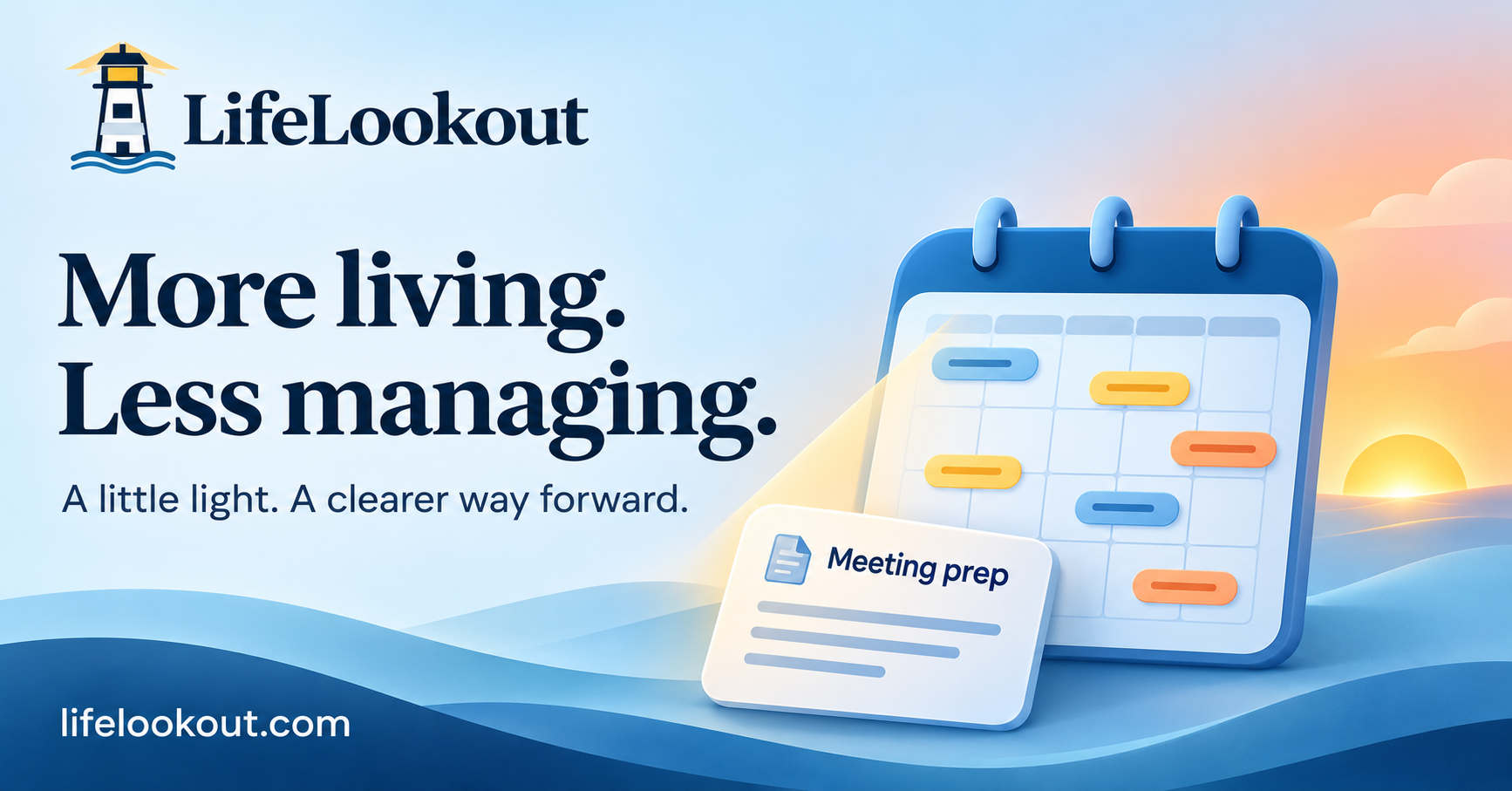
Work meetings are only part of your day. Bring selected Outlook calendars into LifeLookout alongside your own events, tasks and goals—without changing the originals in Outlook.
Find your planFrom $15/month · No free trial · Cancel renewal from your account
See what the whole day holds
A work meeting, a bill date and a personal appointment can all affect the same afternoon. Display the Outlook calendars you choose alongside LifeLookout events. Expanding day cards show every loaded event, with titles that wrap instead of disappearing behind a count.
Add a plan as you would say it
Type an everyday request such as “Lunch with Jo tomorrow at 2pm.” Review the date and time before saving. If a time is missing or ambiguous, clarify it first. LifeLookout asks for confirmation before adding the event.
Find room around your commitments
Save a weekly goal and choose your preferred hours. LifeLookout suggests openings around the events visible in your calendar. Your optional energy check-in can inform suggestions. Review and approve a plan before local calendar changes are applied.
Connect Outlook in five steps
Create and verify your LifeLookout account, choose a paid plan, then open Calendar connections. Select Connect Outlook Calendar and review Microsoft’s read-only consent. Choose a calendar and Save selection. Refresh calendars to import its events. No source calendar is selected automatically.
What sync does—and does not do
The connector imports selected Outlook events and periodically refreshes previously imported calendar months. You can also use Refresh calendars. It does not write LifeLookout events back to Outlook, change meetings, respond to invitations or send email. Recently changed events can take time to refresh; check Outlook for the original record.
Personal and work accounts
The Microsoft app supports personal Microsoft accounts and organizational directories. Your work organization may restrict third-party apps or require administrator approval. Authorization by one customer does not grant LifeLookout access to other accounts.
Good to know
Does this replace Outlook?
No. Outlook remains the source for imported events. LifeLookout gives you a planning view alongside your own tasks and local events.
Can I disconnect?
Yes. Disconnecting removes the local connection, stored provider tokens and cached imported events. You can also revoke permission in your Microsoft account.
Which plan includes Outlook?
Read-only Outlook calendar import is included in Essential, Plus and Premium. Essential starts at $15 USD/month. All plans are paid; no free trial is offered.